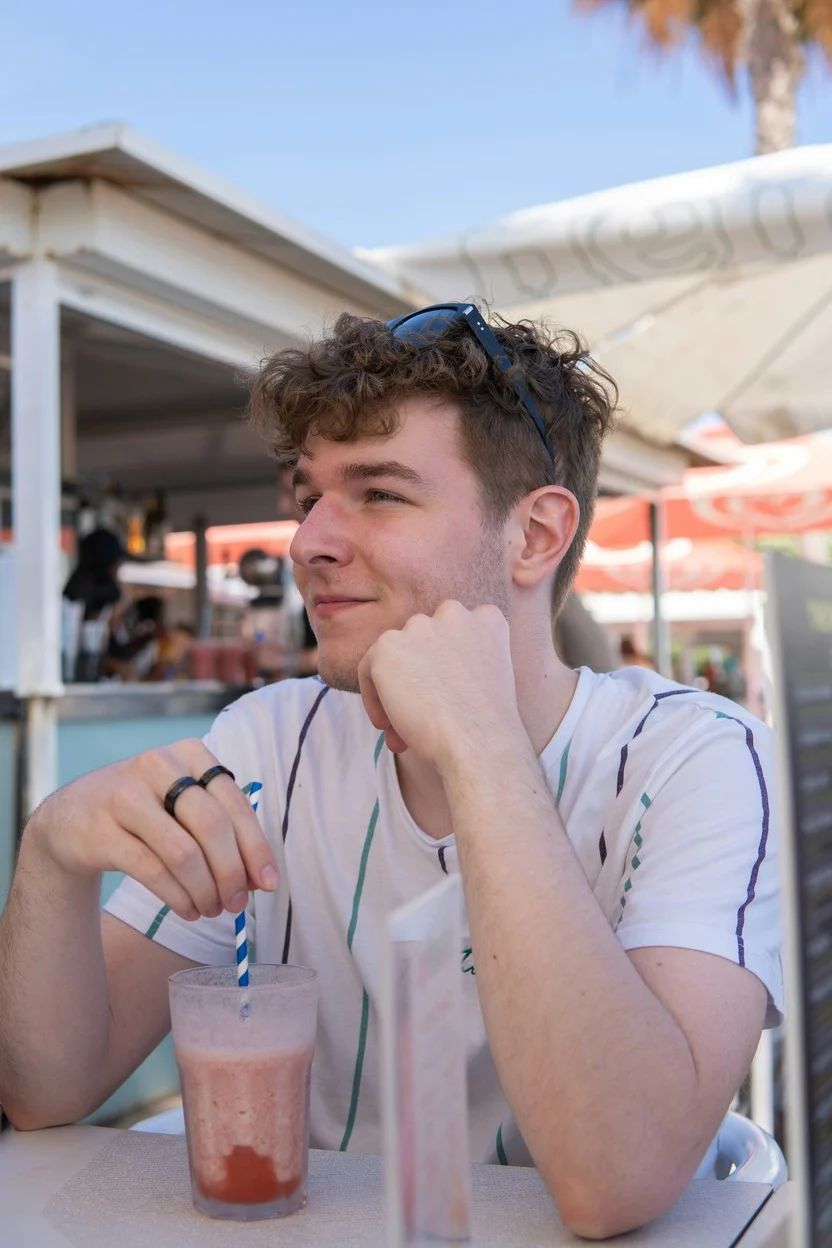
AI Cinematic Portrait
Transform photos into dramatic, movie-style portraits
Create a vertical portrait shot using the exact same face features from the reference photo. Apply cinematic lighting with dramatic shadows, film grain, and a shallow depth of field. Use movie-like color grading—teal and orange tones work well. The mood should feel like a scene from a high-budget film.
Generate with this prompt
Your generated images will appear here
Related Prompts
How to Use This Prompt
Creating stunning image variations is quick and intuitive:
Step 1: Upload Your Photo
Select an image from your device to use as the starting point. For best results, use clear images with good lighting and resolution that match your desired output aspect ratio.
Step 2: Describe Your Changes
Write a prompt describing how you want to transform the image. Be specific about style, colors, modifications, or artistic effects you want to apply.
Step 3: Adjust Settings
Fine-tune transformation parameters like aspect ratio, output count, and transformation strength to control how closely the result resembles your original image.
Step 4: Generate and Download
Click generate and watch as AI transforms your image. Browse the results, select your favorites, and download high-quality versions ready for use.
Ready to Create Your Own?
Use this prompt to transform your images with AI. Upload your photo and let the magic happen.