Oyun Arayüzü
Tasarımları sürükleyici oyun arayüzü öğelerine dönüştürün
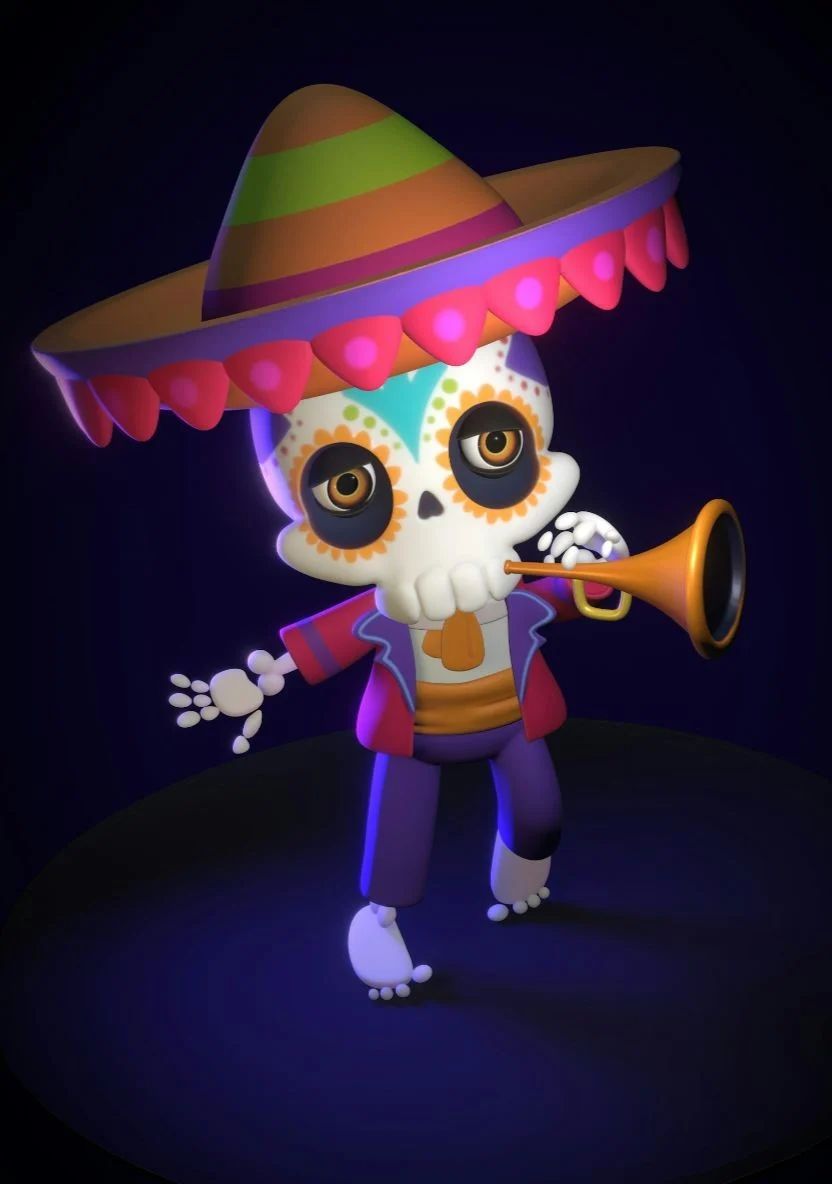
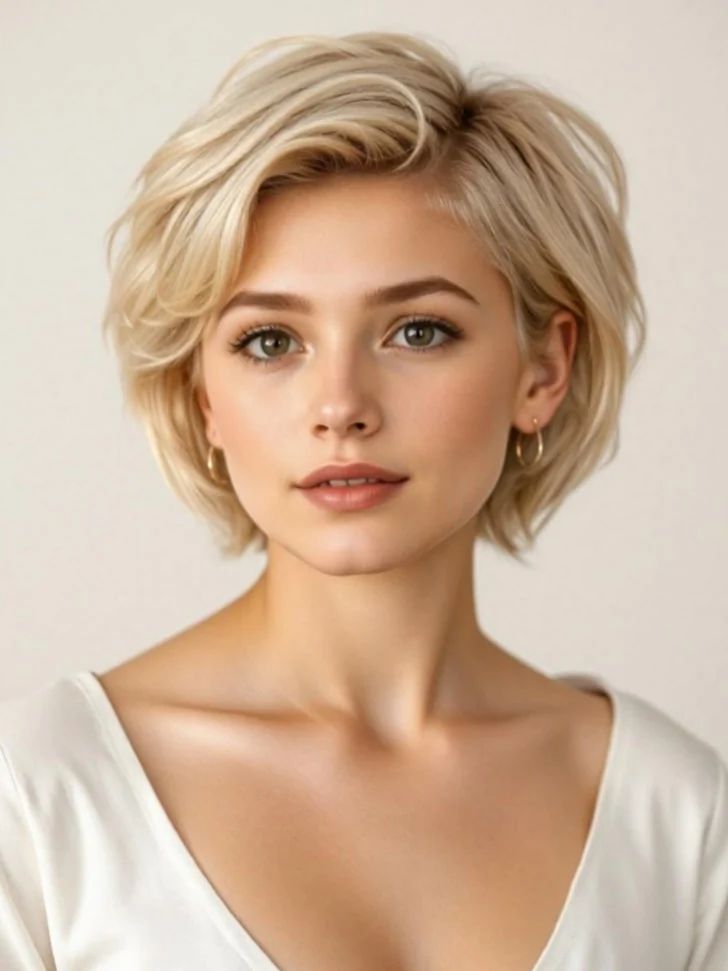
Referans fotoğrafındaki 3D animasyonlu karakterin renkli bir sahnede dinamik bir dans pozu sergilediği canlı bir ritim dans oyunu ekran görüntüsü. Arayüz, havada süzülen müzik notaları, kombo sayaçları, skor göstergesi ve parlayan vuruş işaretçileri içerir. Neon ışıklar, parçacık efektleri ve arka plandaki enerjik kalabalık, canlı konser atmosferini tamamlar.
Bu prompt ile oluştur
Oluşturulan görselleriniz burada görünecek
İlgili Prompt'lar
Bu Prompt Nasıl Kullanılır
Etkileyici görsel varyasyonları oluşturmak hızlı ve sezgiseldir:
Step 1: Fotoğrafınızı Yükleyin
Başlangıç noktası olarak kullanmak için cihazınızdan bir görsel seçin. En iyi sonuçlar için istediğiniz çıktı en-boy oranına uyan, iyi aydınlatma ve çözünürlüğe sahip net görseller kullanın.
Step 2: Değişikliklerinizi Tanımlayın
Görseli nasıl dönüştürmek istediğinizi açıklayan bir prompt yazın. Uygulamak istediğiniz stil, renkler, değişiklikler veya sanatsal efektler hakkında spesifik olun.
Step 3: Ayarları Düzenleyin
Sonucun orijinal görselinize ne kadar benzeyeceğini kontrol etmek için en-boy oranı, çıktı sayısı ve dönüşüm gücü gibi dönüşüm parametrelerini ince ayarlayın.
Step 4: Oluşturun ve İndirin
Oluştur'a tıklayın ve AI'ın görselinizi dönüştürmesini izleyin. Sonuçlara göz atın, favorilerinizi seçin ve kullanıma hazır yüksek kaliteli versiyonları indirin.
Kendi Görselinizi Oluşturmaya Hazır mısınız?
Görsellerinizi AI ile dönüştürmek için bu prompt'u kullanın. Fotoğrafınızı yükleyin ve sihrin gerçekleşmesini izleyin.