Gemini AI Polaroid-Style Photo
Share

Gemini AI Polaroid-Style Photo

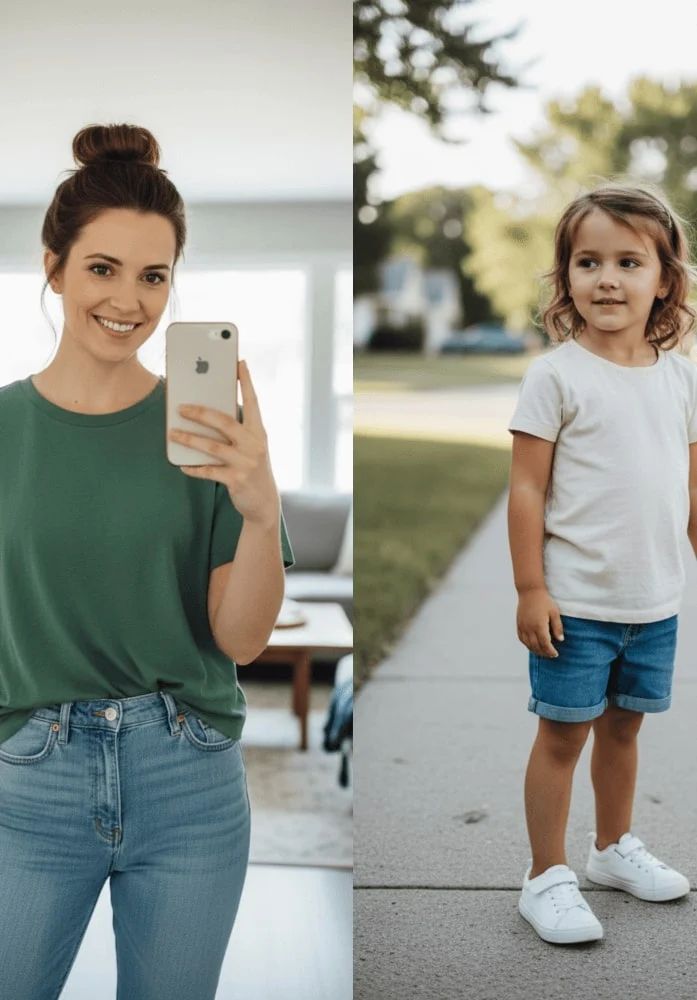
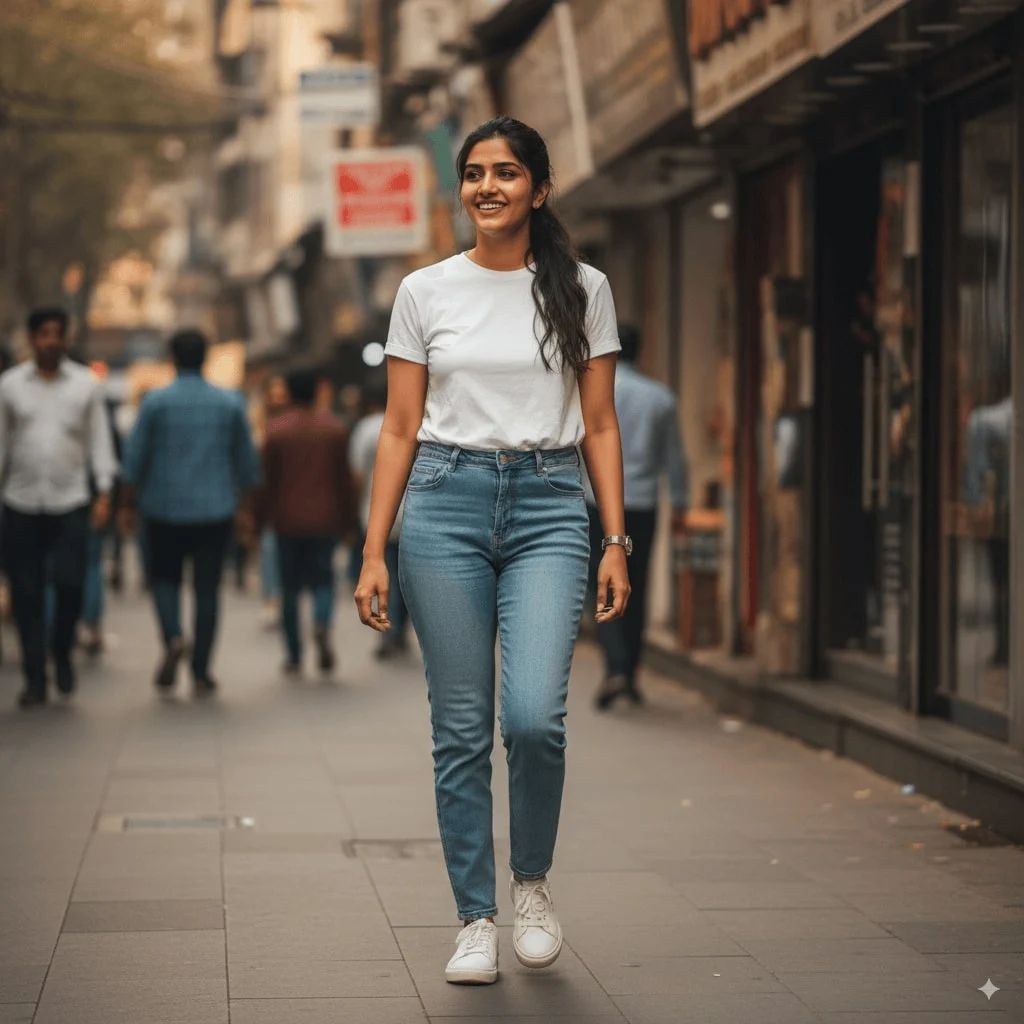
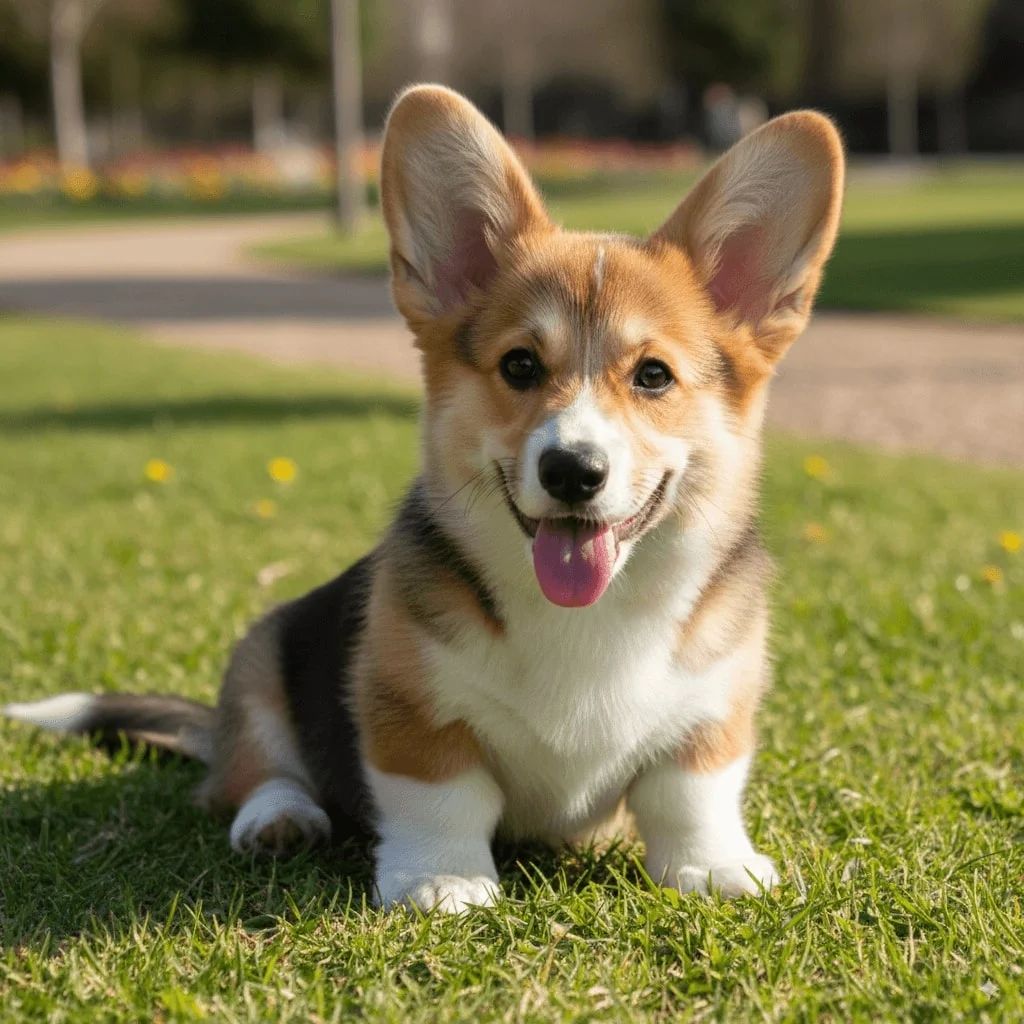
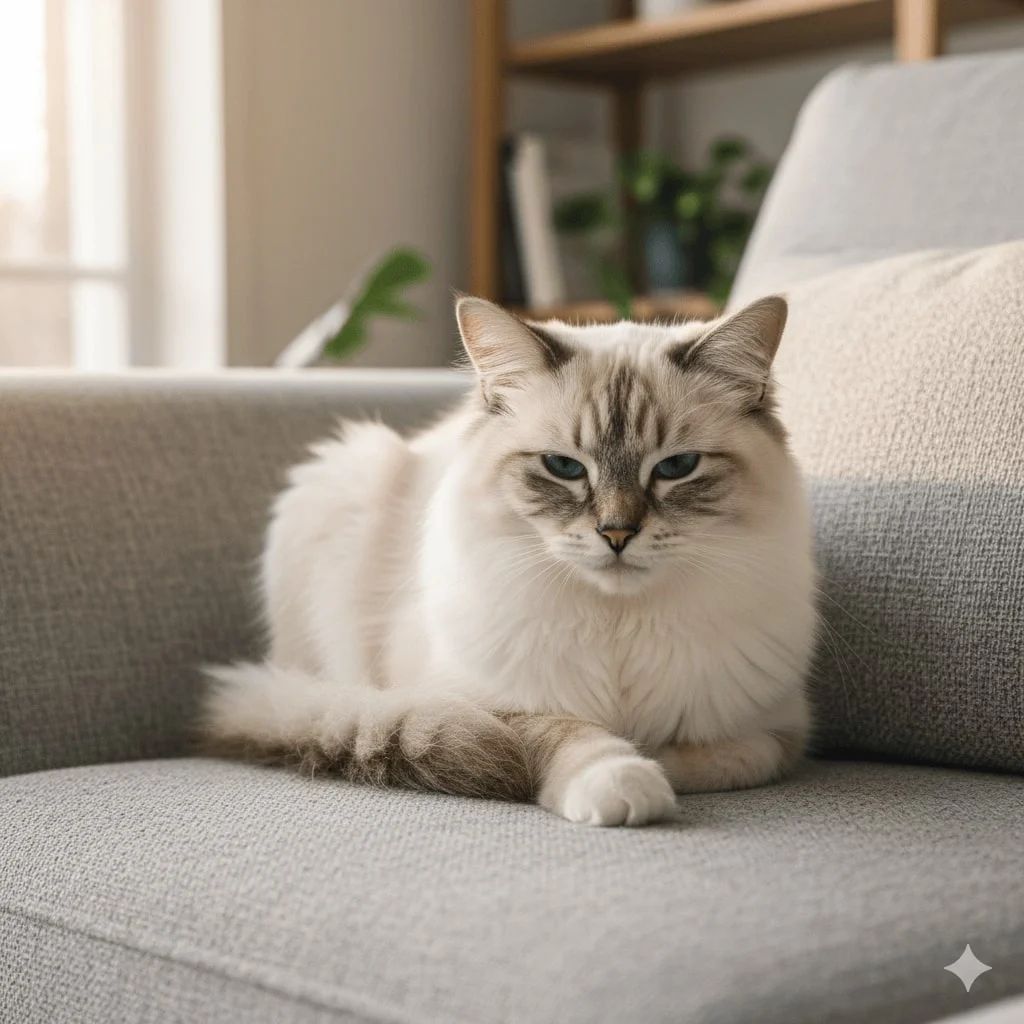
Transform snapshots into vintage Polaroid-style images

Take a picture with a Polaroid camera. The photo should look like a normal photo taken with a Polaroid, with the classic white border frame. Add subtle vintage color tones, slight vignetting, and the authentic instant-film aesthetic.

Generate with this prompt

Supports PNG, JPG, WebP. Max 10MB per image.

Upload

Max 10

Describe your image in detail

233/2000

Choose the aspect ratio you want to use

Choose the AI model for generation

Generated Result

Your generated images will appear here

How to Use This Prompt

Creating stunning image variations is quick and intuitive:

1

Step 1: Upload Your Photo

Select an image from your device to use as the starting point. For best results, use clear images with good lighting and resolution that match your desired output aspect ratio.

2

Step 2: Describe Your Changes

Write a prompt describing how you want to transform the image. Be specific about style, colors, modifications, or artistic effects you want to apply.

3

Step 3: Adjust Settings

Fine-tune transformation parameters like aspect ratio, output count, and transformation strength to control how closely the result resembles your original image.

4

Step 4: Generate and Download

Click generate and watch as AI transforms your image. Browse the results, select your favorites, and download high-quality versions ready for use.

Ready to Create Your Own?

Use this prompt to transform your images with AI. Upload your photo and let the magic happen.