
Scena Azionaria in Miniatura Isometrica
Genera una squisita scena 3D isometrica in miniatura di un'azienda integrando dati azionari in tempo reale, con edifici iconici, prodotti e giocosi elementi in stile cartoon.
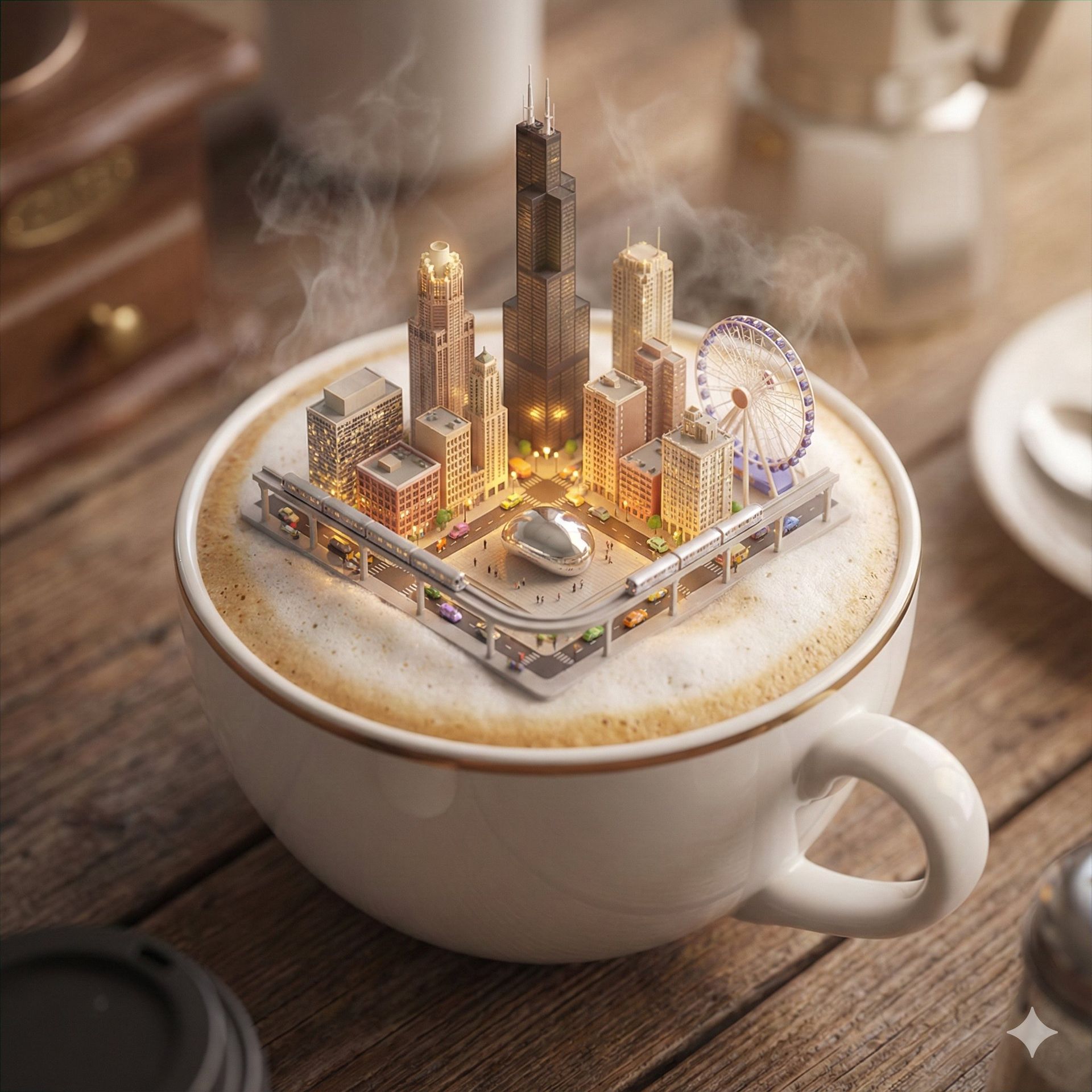
Presenta una squisita scena 3D in miniatura in stile cartoon dell'azienda corrispondente al nome dell'azienda o al simbolo azionario specificato dall'utente, chiaramente visualizzata da una prospettiva dall'alto a 45°.

Posiziona l'edificio o il campus più iconico dell'azienda in modo prominente al centro, completato da icone proporzionate dei suoi prodotti chiave, affascinanti figure in stile cartoon, veicoli e altri elementi che illustrano le attività quotidiane dell'azienda. La scena dovrebbe essere dettagliata, finemente realizzata e giocosa.

Renderizzata con Cinema 4D, la modellazione dovrebbe essere raffinata, arrotondata in modo fluido e ricca di texture, catturando accuratamente materiali PBR realistici. Un'illuminazione delicata e realistica con ombre morbide dovrebbe creare un'atmosfera calda e confortevole.

Integra creativamente i dati del mercato azionario in tempo reale dell'azienda per la data specificata dall'utente (o la data corrente recuperata automaticamente) nella scena, mantenendo un layout pulito e minimalista e uno sfondo a tinta unita per evidenziare il contenuto principale.

Nella parte superiore centrale della scena, mostra in modo prominente il nome dell'azienda o il simbolo azionario in un carattere di grandi dimensioni, seguito dalla data specificata in carattere extra-piccolo e dall'intervallo del prezzo delle azioni in un carattere di medie dimensioni. Includi icone e grafici chiari e intuitivi dell'andamento azionario.

Tutti i testi dovrebbero essere visualizzati nella lingua specificata o inserita dall'utente, senza alcuno sfondo, e possono sovrapporsi sottilmente agli elementi della scena per migliorare l'integrazione complessiva del design.

Molto Importante:
Prima di generare, assicurati di avere dati del mercato azionario accurati e aggiornati basati sul nome dell'azienda o sul simbolo azionario inserito dall'utente e sulla data specificata. Se tali dati non sono disponibili, avvisa immediatamente l'utente e interrompi il processo di generazione.

Parametri:

* Rapporto d'aspetto: {Input utente, predefinito 1:1}
* Data: {Input utente, data corrente}
* Nome dell'azienda o simbolo azionario: {Input utente}Genera con questo prompt
Le tue immagini generate appariranno qui
Prompt Correlati
Come Usare Questo Prompt
Creare straordinarie variazioni di immagini è veloce e intuitivo:
Step 1: Carica la Tua Foto
Seleziona un'immagine dal tuo dispositivo da usare come punto di partenza. Per risultati migliori, usa immagini nitide con buona illuminazione e risoluzione che corrispondano alle proporzioni desiderate.
Step 2: Descrivi le Tue Modifiche
Scrivi un prompt che descriva come vuoi trasformare l'immagine. Sii specifico su stile, colori, modifiche o effetti artistici che vuoi applicare.
Step 3: Regola le Impostazioni
Perfeziona i parametri di trasformazione come proporzioni, numero di output e intensità della trasformazione per controllare quanto il risultato assomigli all'immagine originale.
Step 4: Genera e Scarica
Clicca genera e guarda l'AI trasformare la tua immagine. Sfoglia i risultati, seleziona i tuoi preferiti e scarica versioni ad alta qualità pronte all'uso.
Pronto a Creare il Tuo?
Usa questo prompt per trasformare le tue immagini con l'AI. Carica la tua foto e lascia che la magia accada.