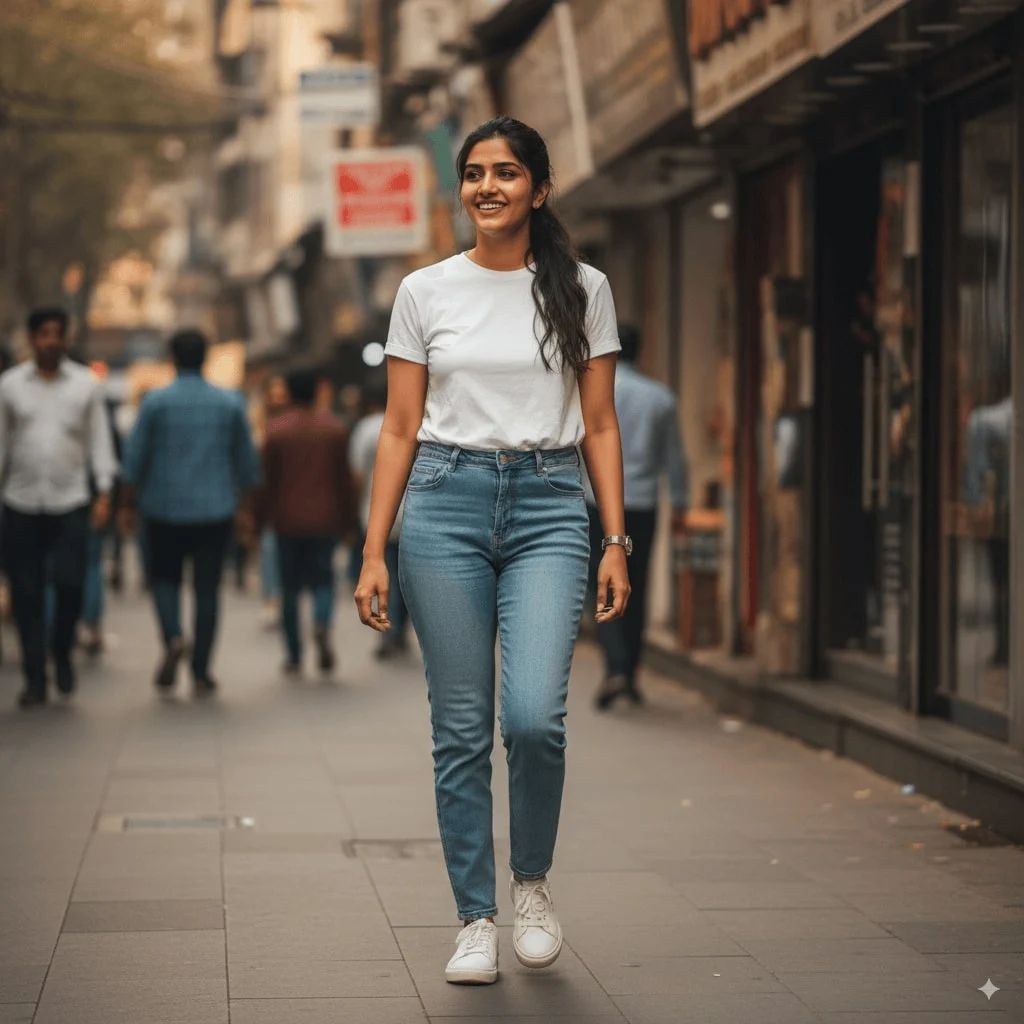
Saree IA
Habillez instantanément vos photos avec une tenue traditionnelle en saree
Créez un portrait doux et ensoleillé portant un saree jaune fluide et transparent drapé élégamment sur l'épaule. Le tissu doit capter magnifiquement la lumière, avec une délicate broderie dorée visible le long de la bordure. Accessoirisez avec des bijoux indiens traditionnels—boucles d'oreilles jhumka en or et bracelets. Conservez le visage et les traits de la photo de référence.
Générer avec ce prompt
Vos images générées apparaîtront ici
Prompts Associés
Comment Utiliser Ce Prompt
Créer des variations d'images époustouflantes est rapide et intuitif :
Step 1: Téléchargez Votre Photo
Sélectionnez une image depuis votre appareil comme point de départ. Pour de meilleurs résultats, utilisez des images claires avec un bon éclairage et une résolution correspondant au ratio d'aspect souhaité.
Step 2: Décrivez Vos Modifications
Rédigez un prompt décrivant comment vous souhaitez transformer l'image. Soyez précis sur le style, les couleurs, les modifications ou les effets artistiques que vous voulez appliquer.
Step 3: Ajustez les Paramètres
Affinez les paramètres de transformation comme le ratio d'aspect, le nombre de sorties et l'intensité de transformation pour contrôler à quel point le résultat ressemble à votre image originale.
Step 4: Générez et Téléchargez
Cliquez sur générer et regardez l'IA transformer votre image. Parcourez les résultats, sélectionnez vos favoris et téléchargez les versions haute qualité prêtes à l'emploi.
Prêt à Créer le Vôtre ?
Utilisez ce prompt pour transformer vos images avec l'IA. Téléchargez votre photo et laissez la magie opérer.