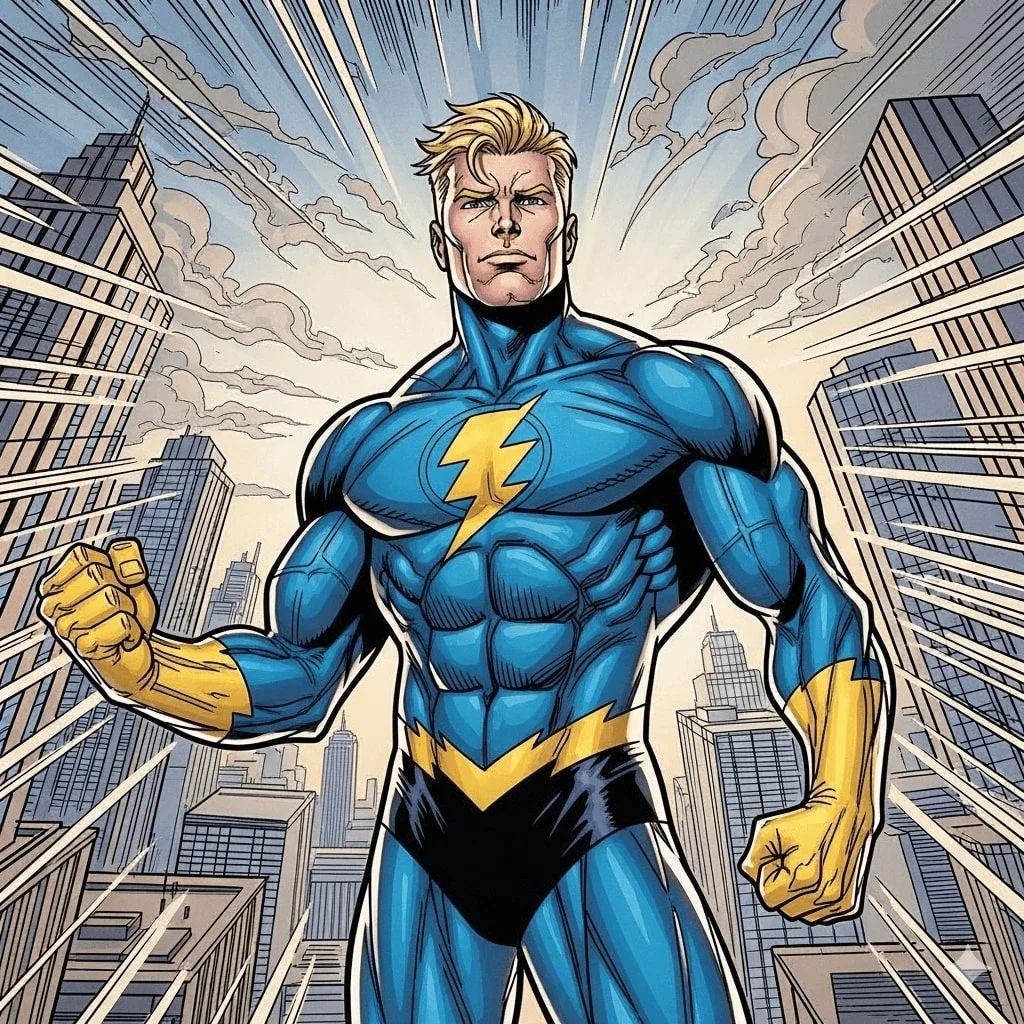
Karakter Knuffels
Transformeer je karakters in schattige knuffels
Een zachte, hoogwaardige knuffel van [CHARACTER], met een oversized hoofd, klein lichaam en korte ledematen. De knuffel heeft geborduurde gezichtskenmerken—knoopachtige ogen, een klein neusje en een gestikte glimlach. De stof is zacht fleece in [COLORS], met zichtbare naden langs de randen voor een handgemaakte uitstraling. Het speelgoed is geplaatst op een schone witte achtergrond, gefotografeerd in heldere, gelijkmatige belichting om de textuur en vorm te benadrukken. Kleine accessoires zoals een klein hoedje, sjaal of badge zijn op de knuffel genaaid voor extra detail.
Genereer met deze prompt
Je gegenereerde afbeeldingen verschijnen hier
Gerelateerde Prompts
Hoe gebruik je deze Prompt
Het maken van verbluffende beeldvariaties is snel en intuïtief:
Step 1: Upload je foto
Selecteer een afbeelding van je apparaat als startpunt. Voor de beste resultaten gebruik je heldere afbeeldingen met goede belichting en resolutie die overeenkomen met je gewenste uitvoerbeeldverhouding.
Step 2: Beschrijf je wijzigingen
Schrijf een prompt die beschrijft hoe je de afbeelding wilt transformeren. Wees specifiek over stijl, kleuren, aanpassingen of artistieke effecten die je wilt toepassen.
Step 3: Pas instellingen aan
Verfijn transformatieparameters zoals beeldverhouding, aantal uitvoer en transformatiesterkte om te bepalen hoe nauw het resultaat je originele afbeelding benadert.
Step 4: Genereer en download
Klik op genereren en zie hoe AI je afbeelding transformeert. Blader door de resultaten, selecteer je favorieten en download versies van hoge kwaliteit die klaar zijn voor gebruik.
Klaar om je eigen te maken?
Gebruik deze prompt om je afbeeldingen te transformeren met AI. Upload je foto en laat de magie gebeuren.